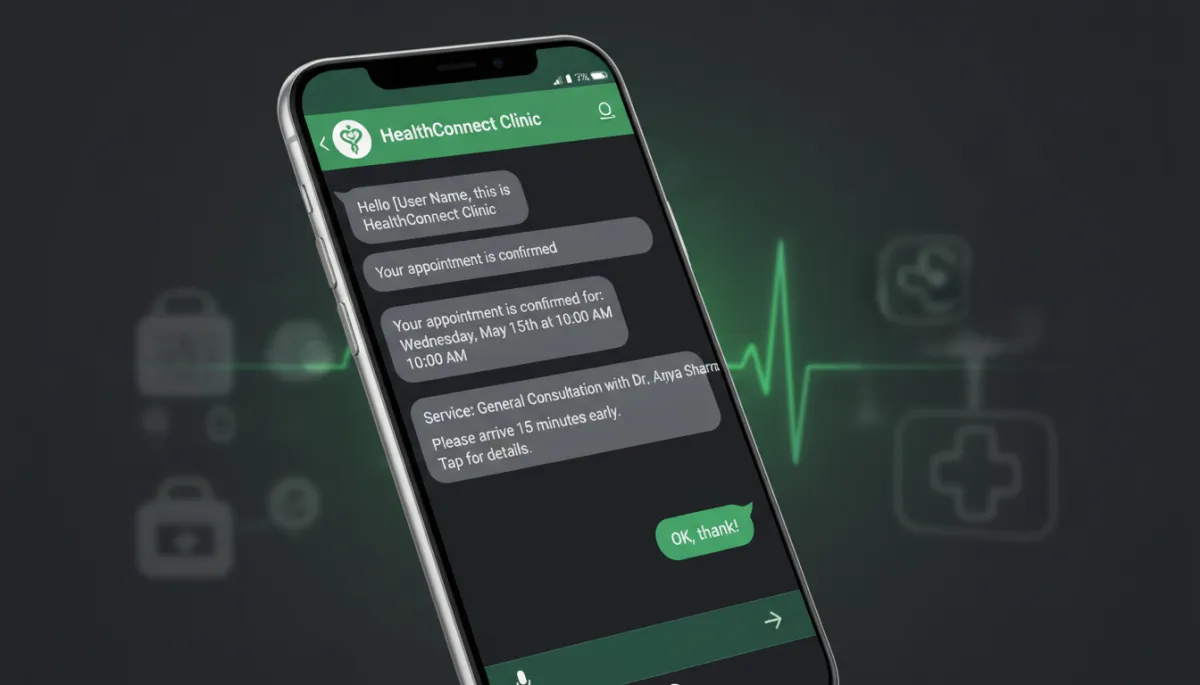
WhatsApp Business for Healthcare South Africa: The Complete Setup Guide for Medical Practices
Why WhatsApp Is South Africa's Most Important Healthcare Communication Channel
South Africa has one of the world's highest WhatsApp adoption rates. Across income levels, ages, and geographic areas, WhatsApp is the primary digital communication channel. In healthcare, this translates directly: patients WhatsApp their healthcare providers more often than they call, and practices that are not responsive on WhatsApp lose new patients and struggle with patient retention.
This complete guide covers how to set up WhatsApp Business correctly for healthcare practices in South Africa.
WhatsApp Business App vs WhatsApp Business API: Which Do You Need?
WhatsApp Business App (Free)
The WhatsApp Business App is a smartphone application that replaces the regular WhatsApp on one device. It allows a single user to manage business messages, set up a basic business profile, create quick reply templates, and broadcast to small lists. It is appropriate for very small practices handling low message volumes — fewer than 50 patient interactions per day — and manageable manually.
WhatsApp Business API (For Automation)
The WhatsApp Business API connects WhatsApp to automation platforms like Xtreme AI, enabling automated responses, recall messaging, multi-team inbox management, and unlimited message volumes. Any practice seeing more than 30–50 patients per day, or wanting to implement automated recall and reminders, needs the WhatsApp Business API. This is the foundation of all healthcare AI automation.
Setting Up WhatsApp Business for Healthcare: Step by Step
Step 1: Register Your Business Phone Number
Your WhatsApp Business account uses a dedicated phone number. This can be your existing practice number or a new number. The number cannot be active on personal WhatsApp simultaneously, so most practices register a dedicated business number for WhatsApp Business.
Step 2: Configure Your Business Profile
Set up your practice's business profile with your practice name, address, website, and business category (Medical/Health). Add a profile photo of your practice logo or exterior. This profile is visible to patients who contact you via WhatsApp and establishes professional credibility.
Step 3: Connect to the WhatsApp Business API
To enable automation, your business number must be connected to the WhatsApp Business API through an official Meta Business Solution Provider. Xtreme AI handles this connection process as part of implementation.
Frequently Asked Questions
Can a healthcare practice use WhatsApp Business on multiple devices simultaneously?
The WhatsApp Business App allows up to 5 linked devices. The WhatsApp Business API enables unlimited simultaneous users via a dashboard, making it the appropriate solution for practices with multiple reception staff.
How long does WhatsApp Business API setup take?
WhatsApp Business API setup typically takes 3–7 days, including Meta business verification and phone number registration. Xtreme AI manages this process as part of implementation.
Get your healthcare practice set up on WhatsApp Business API. Book a free demo with Xtreme AI.
